
StatusDrift allows you to customize which types of communications you receive from us. Manage your notification preferences to control promotional messages, onboarding tips, product updates, and account activity alerts.
Accessing Notification Settings
To manage your notification preferences:
- Click on your profile avatar in the top-right corner
- Select Settings from the dropdown menu
- Navigate to the Notifications tab
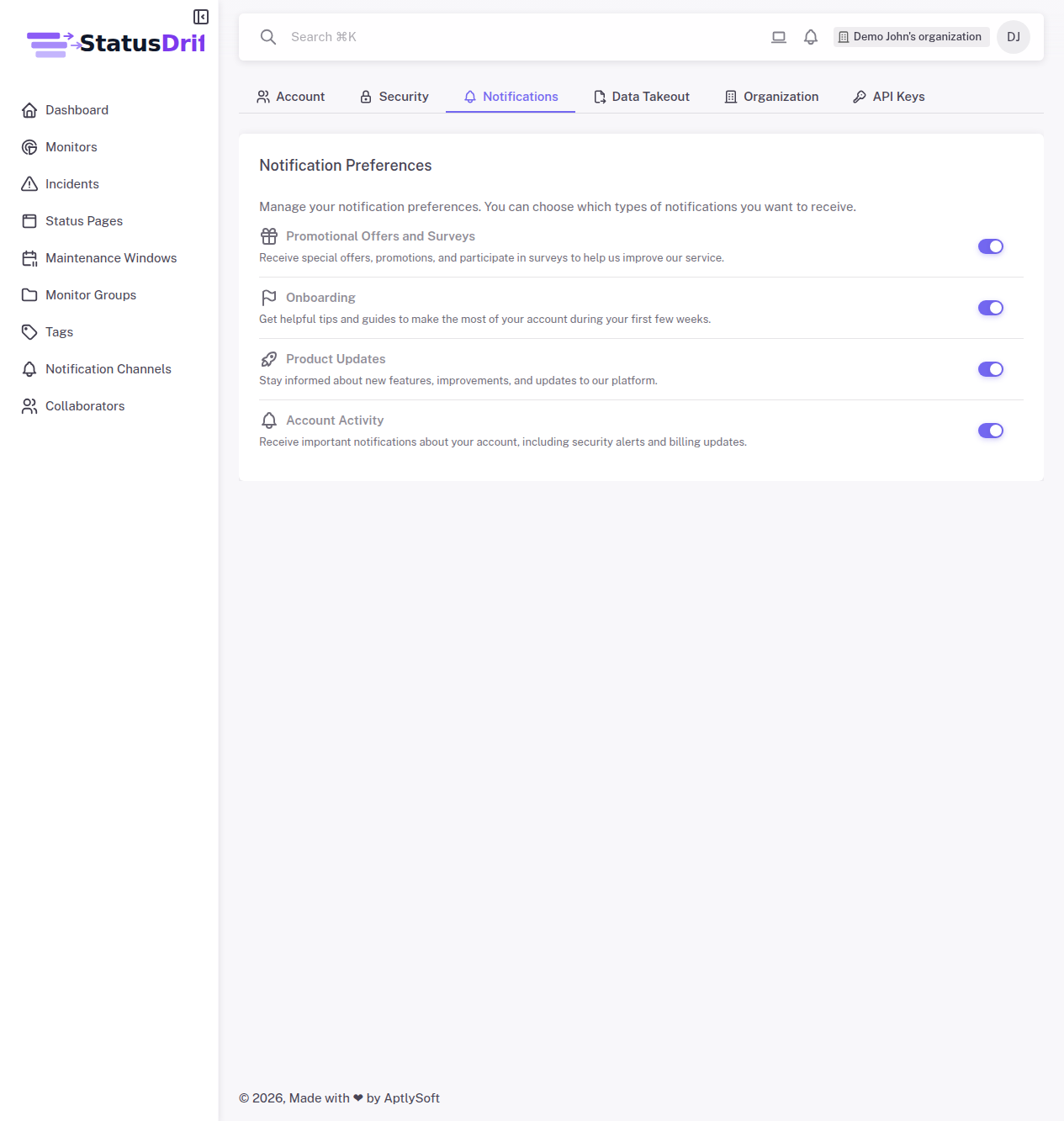
Notification Categories
You can toggle each notification type on or off according to your preferences:
Promotional Offers and Surveys
Receive special offers, promotions, and participate in surveys to help us improve our service. These communications include discount codes, special pricing for new features, and occasional feedback requests.
Onboarding
Get helpful tips and guides to make the most of your account during your first few weeks. These emails help new users understand StatusDrift features, best practices for setting up monitors, and optimization tips.
Product Updates
Stay informed about new features, improvements, and updates to our platform. This includes announcements about new monitor types, integration releases, UI improvements, and other enhancements to the service.
Account Activity
Receive important notifications about your account, including security alerts and billing updates. These are critical notifications related to your account security, payment processing, and subscription status.
Note: Some account activity notifications, particularly those related to security events, cannot be disabled as they are essential for account protection.
Saving Your Preferences
Changes to your notification preferences are saved automatically when you toggle a setting. The switch will turn purple when enabled and gray when disabled.
Monitor Alert Notifications
The notification preferences on this page control marketing and informational emails from StatusDrift. For managing alerts about your monitors (downtime notifications, SSL certificate warnings, etc.), visit Notification Channels in the main navigation menu.
Monitor alerts are configured separately to ensure you always receive critical uptime notifications even if you’ve opted out of promotional communications.