
Data Takeout allows you to request and download a complete copy of your StatusDrift data. This feature supports data portability, helping you maintain control over your information and comply with data protection regulations.
Requesting a Data Export
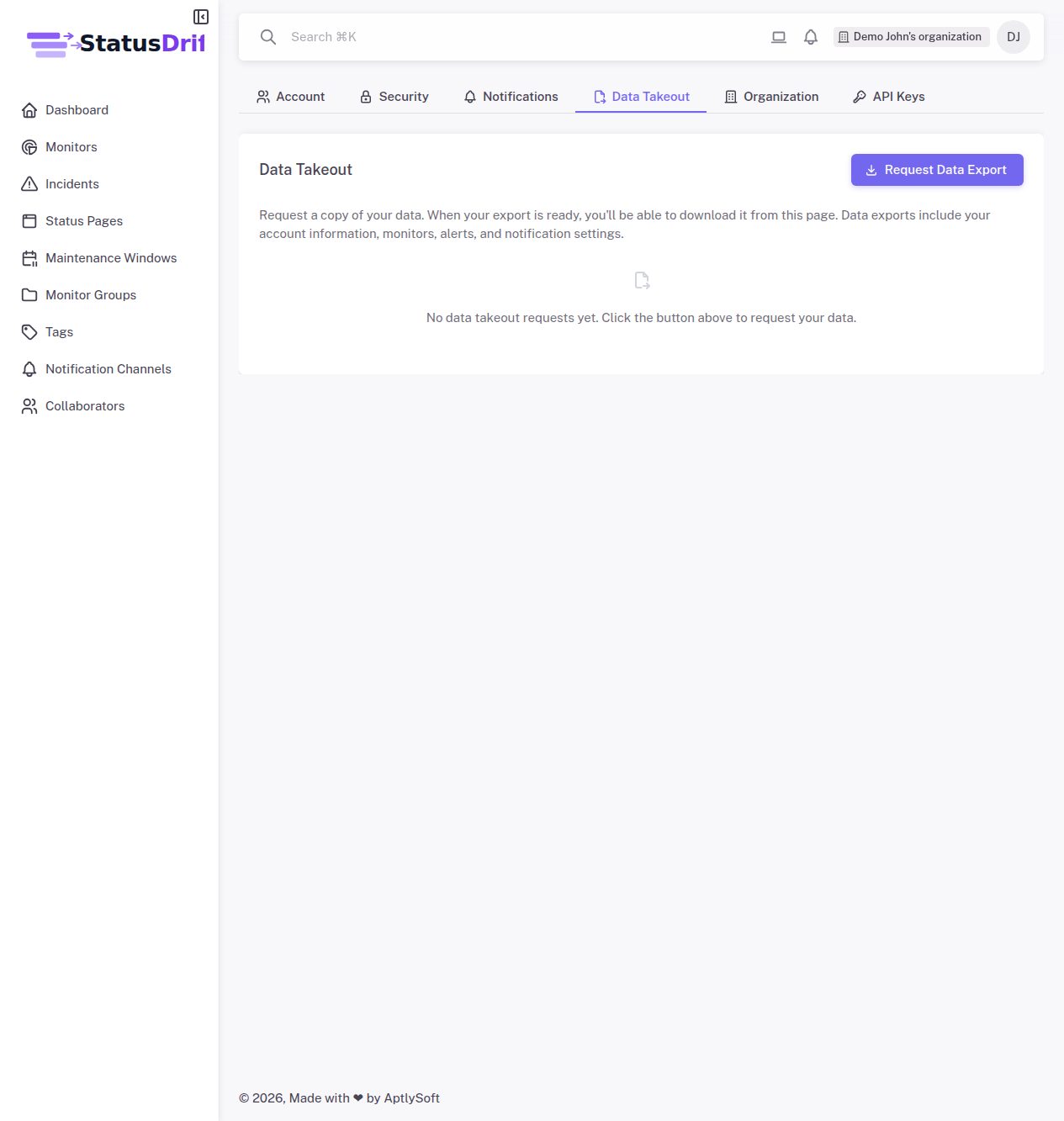
To request a copy of your data:
- Click on your profile avatar in the top-right corner
- Select Settings from the dropdown menu
- Navigate to the Data Takeout tab
- Click the Request Data Export button
What’s Included in Your Export
Your data export includes:
- Account Information – Your profile details, contact information, and account settings
- Monitors – Complete configuration of all your monitors, including URLs, check intervals, and alert thresholds
- Alerts – Historical alert data and incident records
- Notification Settings – Your notification channel configurations and preferences
- Status Pages – Status page configurations and historical updates
- Team Members – Collaborator information (for organization owners)
Export Processing Time
After you request an export, StatusDrift compiles your data in the background. Processing time depends on the amount of data in your account:
- Small accounts – Usually ready within minutes
- Large accounts – May take up to several hours for accounts with extensive monitoring history
You’ll receive an email notification when your export is ready for download.
Downloading Your Data
Once your export is prepared:
- Return to the Data Takeout tab in Settings
- Your completed exports will be listed with download links
- Click the download button to save the file to your computer
Export Format
Data exports are provided in a structured, machine-readable format that can be easily imported into other systems or analyzed with standard tools. The export typically includes CSVfiles organized by data type.
Export Availability
Download links for your data exports remain available for a limited time. We recommend downloading your export promptly after receiving the notification. You can always request a new export if needed.
Use Cases
Common reasons for requesting a data export include:
- Creating backups of your monitoring configuration
- Migrating to a different monitoring solution
- Compliance with data protection regulations (GDPR, CCPA)
- Auditing your account data
- Analyzing historical monitoring patterns